
Shipping story
Sync App Pro started as an Electron backup utility and was rebuilt as a native macOS app in Swift and SwiftUI — treated as a real product, not a side project. Delivery includes GitHub Actions for Developer ID DMG builds, dual signing (Developer ID and Mac App Store), App Store Connect (TestFlight → App Review → public updates), and a self-hosted update manifest on iulianmihai.com for the direct-download channel.
What it does
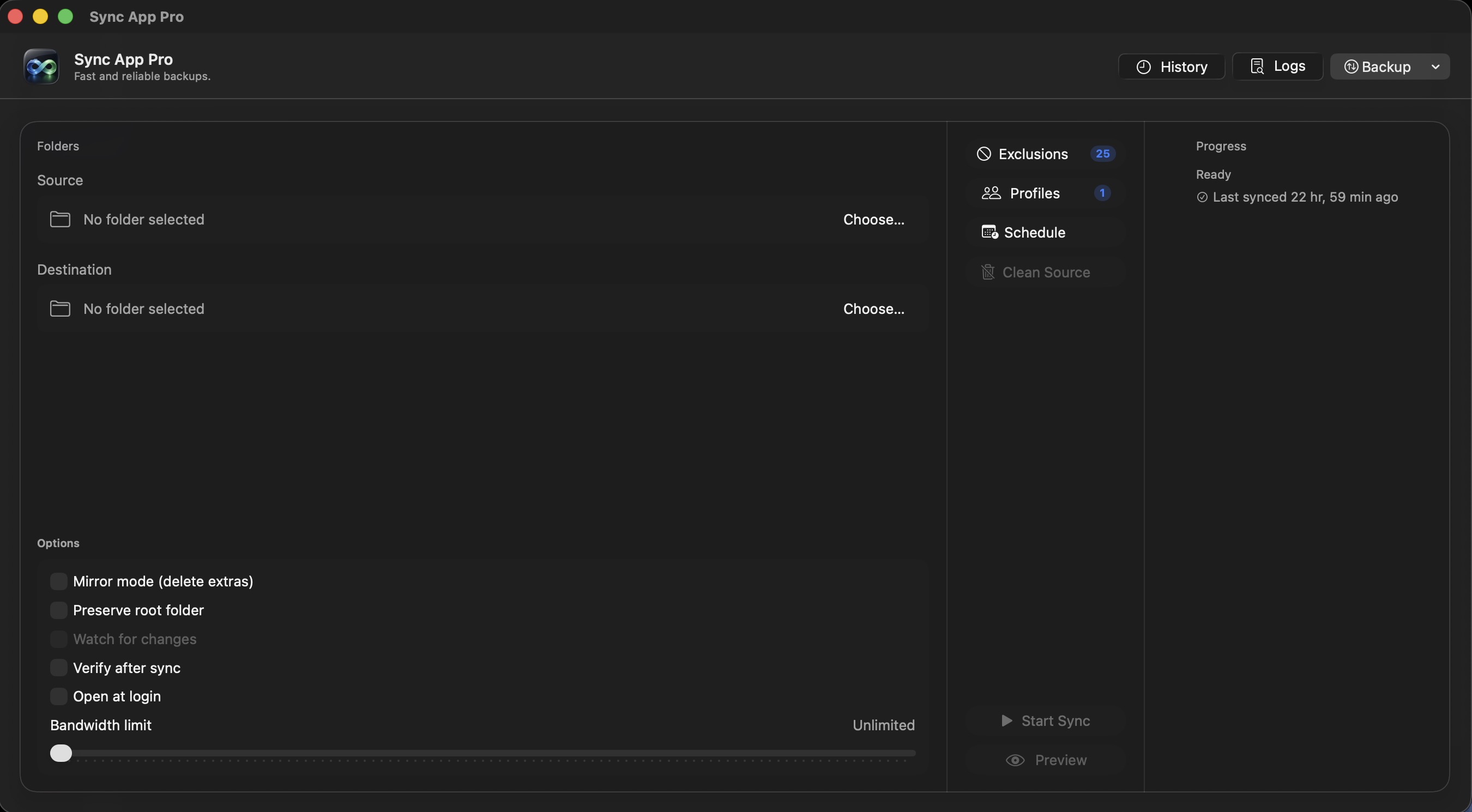
Incremental sync
- Copies new and changed files
- Dotfiles included
- Per-file errors logged; run continues
Watch mode
- Watches the file system with debouncing
- Batches rapid changes
- Clear status while active
Verification
- Optional check after sync
- Failures surfaced in the UI, log, and notifications
Interface
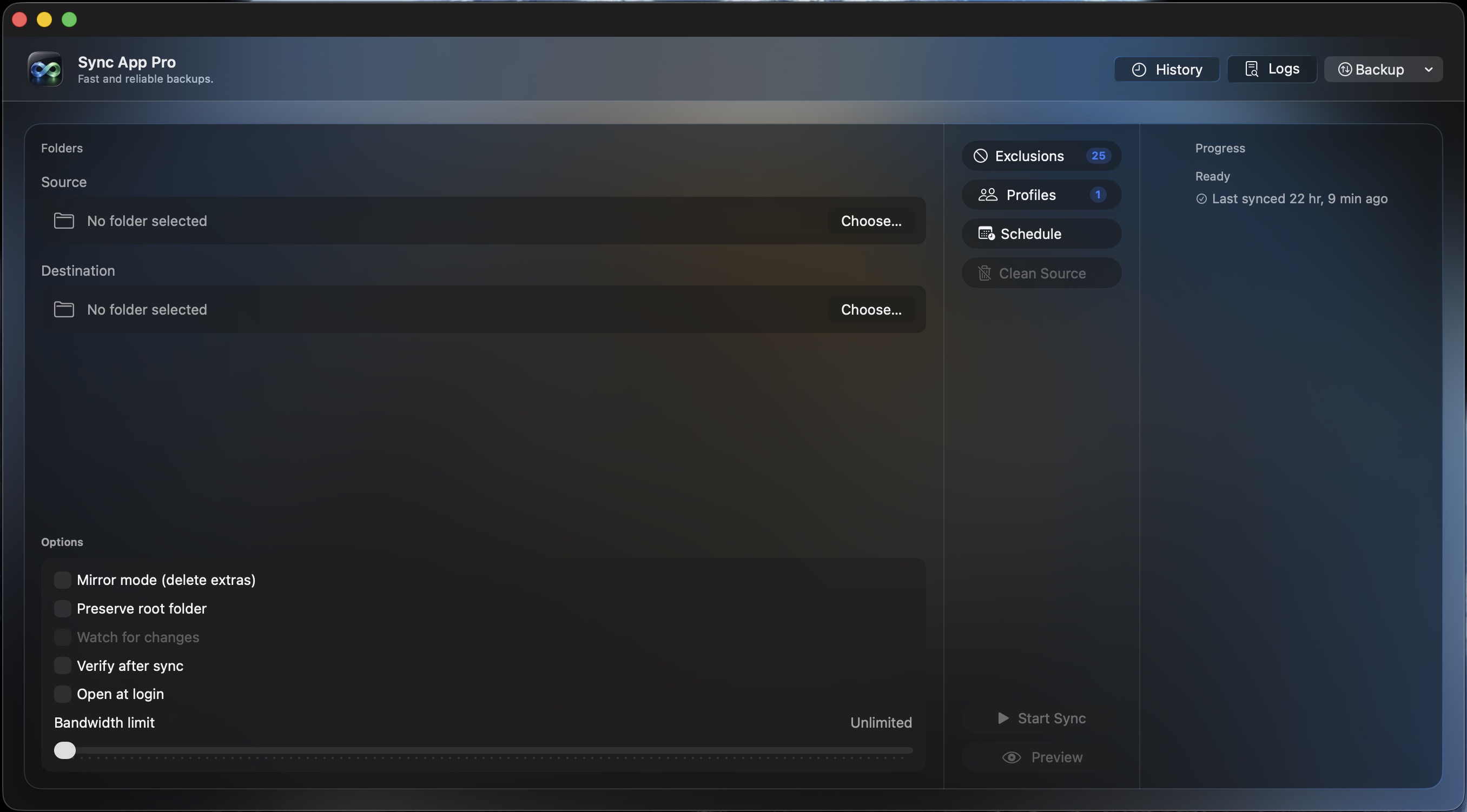
- Liquid Glass surfaces on macOS 27
- Resizable panels with remembered layout
Profiles and exclusions
- Named source and destination pairs
- Toggleable exclusion rules and logged skips
- Validation when profile names collide
Schedule
- Hourly, daily, or weekly
- Weekly day picker
- Silent or visible runs; login reminder when needed
Operations
- Run history and per-run logs
- Notifications and menu bar status
- Export and import settings
Clean Source
- Scan the source for exclusion matches
- Preview sizes; move matches to Trash (recoverable)
Requirements
- ✓macOS 27.0 or later
- ✓Apple Silicon and Intel (universal build on the Mac App Store)